Anúncios
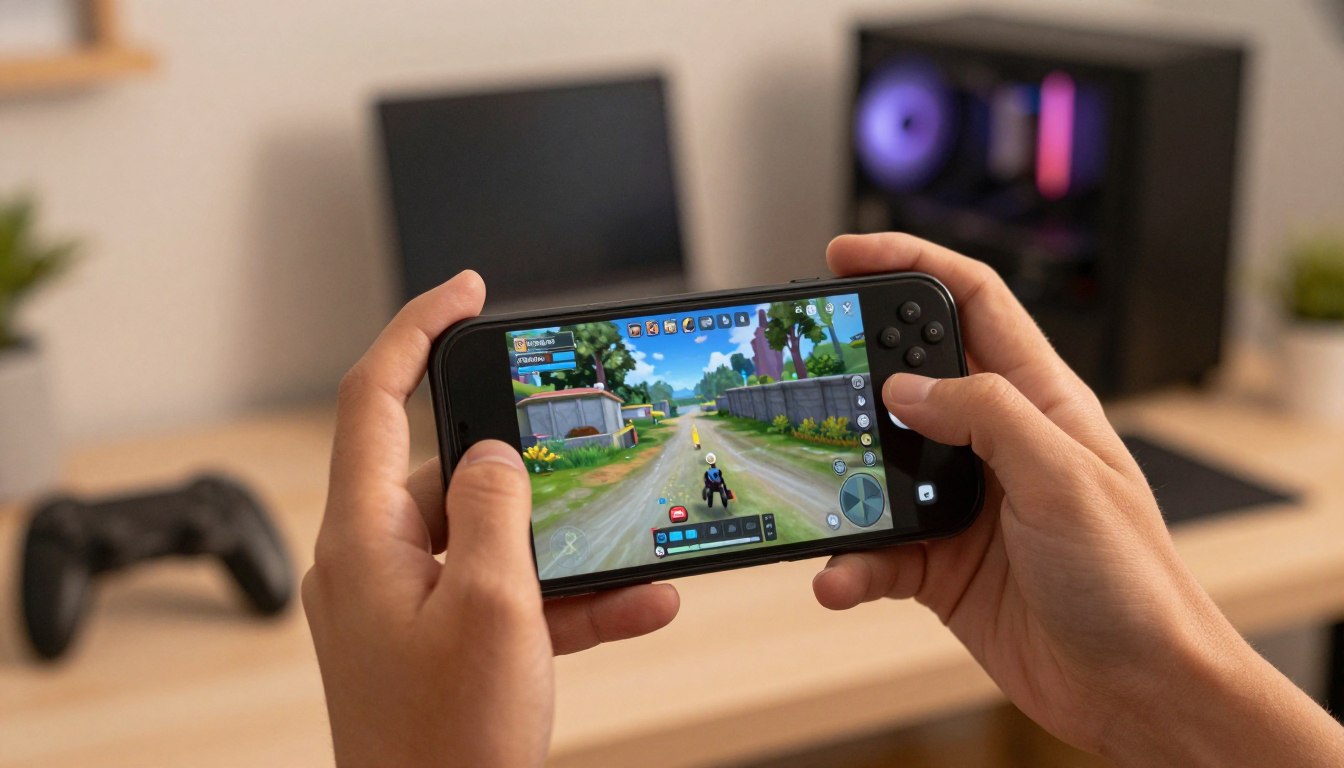
Have you ever wondered how professional gamers manage to record their gameplay with such high quality directly from their cell phones?
Screen recording has become a common practice among gamers who want to share their achievements and skills.
Anúncios
The ability to record high-quality gameplay directly from a mobile device is a powerful tool for content creators and gaming enthusiasts.
There are several methods and tools available to accomplish this task, including screen recording apps that offer advanced editing and sharing features.
Anúncios
Today, we’ll learn how to record gameplay using your phone.
Why has recording gameplay on a cell phone become so popular?
Recording gameplay on mobile devices has reached a new level of popularity. This is due to several factors that have contributed to the growth of this practice.
The evolution of mobile games is one of the main reasons. With the advancement of technology, mobile games have become more complex and attractive.
Evolution of mobile games
Mobile games have undergone a major evolution in recent years. Today, they offer high-quality graphics and complex gaming experiences.
This evolution has made mobile games more attractive to players and encouraged gameplay recording.
Methods for recording gameplay on your mobile phone
Current smartphones offer several options for efficiently recording gameplay. With the evolution of mobile technology, both Android and iOS devices have incorporated native screen recording features, making life easier for gamers who want to share their experiences.
Built-in Screen Recorder on Android
Android devices have a built-in screen recorder that can be accessed through the quick settings menu.
To activate it, you need to press and hold the volume and power buttons simultaneously or access the function through the notification panel.
Screen recording on Android is a versatile tool that can be configured to include audio from the microphone, system, or both, offering flexibility for different recording needs.
Built-in Screen Recorder on iOS
On iOS, screen recording is a native function available from version 11 of the operating system. To activate it, users need to add the functionality to the control screen through the device settings.
Once configured, simply access the control screen and press the recording icon to begin.
Screen recording on iOS also allows for audio inclusion and is a simple and effective tool for gamers who want to capture their gameplay without the need for additional apps.
Specialized apps for gameplay recording
To record high-quality gameplay, choosing the right app for your mobile device is essential. With so many options available, deciding which one is best for your needs can be challenging.
Best Android Apps
Android offers a variety of gameplay recording apps, both free and premium. Here are some of the best options:
Recommended Free Apps
- AZ Screen Recorder: One of the most popular screen recorders, with no time limit and no annoying ads.
- DU Recorder: Offers features such as video editing and direct sharing to social networks.
- ScreenCam: Allows you to record your screen in different resolutions and with various frame rate options.
Premium Options Worth the Investment
For those willing to pay for additional features, there are excellent premium options. One example is Screen Recorder, which offers advanced recording and editing features.
Best iOS Apps
iOS users also have access to a wide variety of apps for recording gameplay. Here are some of the best choices:
Recommended Free Apps
- Built-in Screen Recording: iOS comes with a built-in screen recording tool that’s easy to use and has no additional cost.
- Record It!: A simple app that lets you record your screen and easily share your recordings.
Premium Options Worth the Investment
For more advanced features, iOS users may consider premium options like TechSmith Capture, which offers enhanced recording and editing capabilities.
When choosing an app to record your gameplay, it’s important to consider your device’s specifications and the features that are most important to you.
Ideal Settings for High-Quality Recording

High-quality recordings require specific settings for resolution, frame rate, and audio. Therefore, adjusting these settings correctly can make a big difference in the final quality of your recording.
Resolution and Frame Rate
Resolution and frame rate are fundamental to recording quality. A higher resolution, such as 1080p or 4K, provides a sharper image, while a higher frame rate, such as 60 FPS, ensures smooth playback, especially for fast-paced games.
Audio Settings
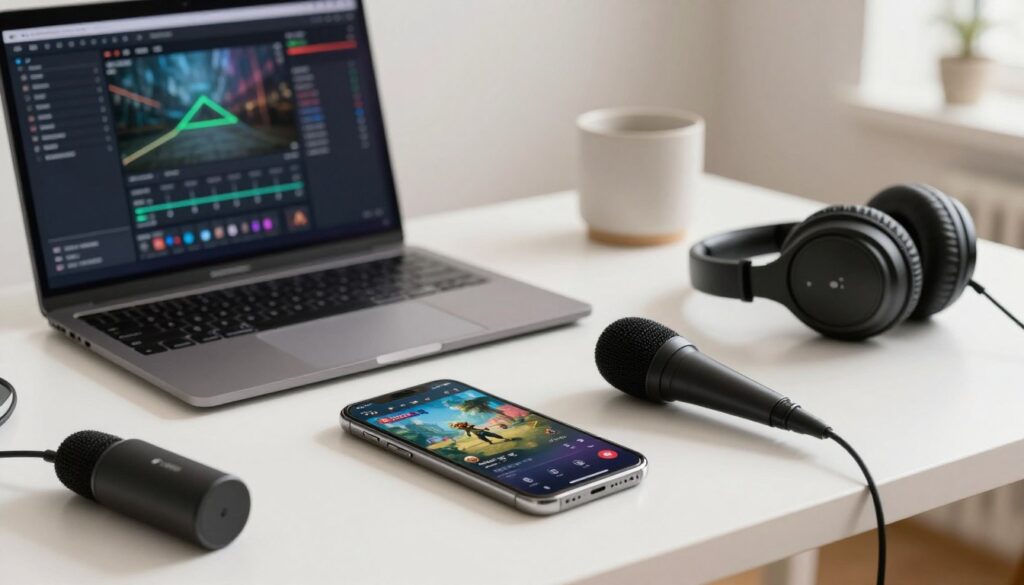
Audio settings are equally important. It’s recommended to record game audio and, if possible, add a microphone narration.
Therefore, make sure the volume is at an appropriate level and that the audio is clear and distortion-free.
Device Resource Management
Managing device resources is important to avoid performance issues during recording. Close unnecessary applications and adjust your device’s performance settings to prioritize recording.
How to Capture Audio During Your Gameplay
For a complete gameplay experience, high-quality audio capture is essential. In addition to screen recording, capturing game audio and adding narration can significantly enhance the viewer experience.
Recording Game Audio
Recording game audio is important for maintaining the authenticity of your gameplay. Many screen recording apps allow you to capture game audio directly. Therefore, make sure the app is configured to record the device’s internal audio.
Adding Narration with a Microphone
Adding narration using a microphone can make your gameplay more personal and interactive.
Connect a good quality microphone to your device and configure it to record your voice while playing. This adds a human touch and can help build a stronger connection with your audience.
Specific Tips for Different Game Genres
When recording gameplay, it’s important to adapt your approach according to the game genre. Different types of games have unique requirements that can affect recording quality.
Recording Action and FPS Games
Action and FPS games require smooth and stable recordings with a high frame rate to capture fast movements. Therefore, use high-quality recording settings and consider using a tripod or stabilizer to minimize shaking.
Capturing MOBAs and Strategy Games
MOBAs and strategy games generally require a more action-focused approach, emphasizing the decisions made during gameplay. Maintaining a good frame rate and using recording options that allow you to capture both the screen and the game audio and commentary are important.
Recordings for Casual and Simulation Games
For casual and simulation games, the emphasis can be on the overall experience and narrative. Use recordings that capture the essence of the game, with good audio and video quality.
Consider adding commentary or subtitles to further enrich the viewer’s experience.
Conclusion
Recording gameplay on your phone has become an increasingly popular practice and is an accessible and rewarding activity.
By choosing the right recording method for your device and optimizing the settings for high quality, you can produce impressive gameplay videos.
With these tips and information, we hope you have a good experience recording gameplay on your phone and that you achieve your goals, whether creating content for entertainment or sharing your skills with others.