Anúncios
Have you ever felt that your in-game performance suffered simply because of the equipment you were using? Often, the difference between victory and defeat lies in the direct connection between the player and the screen.
Knowing how to choose a good gaming controller goes far beyond just looking at the price tag or an eye-catching design.
Anúncios
Today, we’ll make that search easier by helping you identify the ideal gaming controller to take your gameplay to the next level.
Compatibility with consoles, computers, and mobile devices
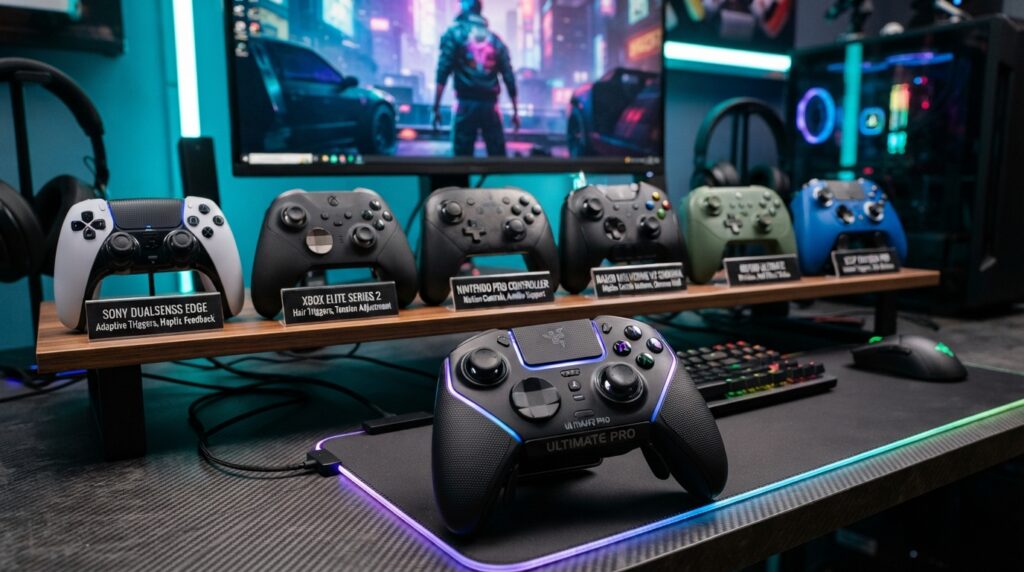
Have you ever wondered if that amazing controller will work with your favorite device? Gaming controller compatibility is the factor that separates a seamless experience from a major headache.
Anúncios
That’s why, before investing your money, it’s essential to understand where the peripheral will be used.
Controllers for PlayStation, Xbox, and Nintendo Switch
Consoles have their own ecosystems, which don’t always accept third-party accessories. While original controllers work perfectly on their respective platforms, models from other brands may require specific certifications.
Always check if your chosen model carries an official licensing seal; this ensures that all buttons and unique features—such as motion sensors or touchpads—function flawlessly.
Compatibility with Windows, macOS, Android, and iPhone
If you’re looking for a controller for PC, the process is usually simpler, thanks to the broad support provided by the Windows operating system. Most modern models use the XInput protocol, which is automatically recognized by the vast majority of today’s games.
For those who prefer mobile gaming, choosing a controller for your phone requires paying close attention to operating systems. Make sure the controller supports the latest versions of iOS or Android to ensure that pairing happens without any interruptions.
Differences between native connections, Bluetooth, and adapters
The way a controller communicates with your device drastically changes your experience. A native connection via USB cable offers the lowest possible latency, making it ideal for competitive games that demand quick reflexes.
Bluetooth controllers offer the freedom of wireless play, though some older models may experience a slight delay.
In cases where a device lacks built-in wireless connectivity, using a USB adapter can be the perfect solution to ensure a connection.
How to check for support, pairing, and game recognition
To ensure everything works as it should, follow these simple steps before you start playing:
- Consult the manufacturer’s manual to confirm the list of supported operating systems.
- Activate pairing mode on the controller and search for the signal in your device’s settings.
- Test button recognition within a configuration menu inside the game itself.
- Verify that the operating system identifies the peripheral as a standard input device.
Comfort and ergonomics for longer gaming sessions
The ergonomics of a gaming controller are the deciding factor between an enjoyable gaming session and physical fatigue.
When we spend hours in front of a screen, the equipment needs to adapt naturally to the shape of our hands, preventing unnecessary strain on our fingers and wrists.
Shape, size, and analog stick placement
The overall design of the device determines how easily you can reach each control. Models with a wider grip are generally ideal for larger hands, while compact designs are better suited for those who prioritize agility.
The placement of the analog sticks also affects the experience. Some players prefer a symmetrical layout, while others find that an asymmetrical design provides more comfort for their thumbs during repetitive movements.
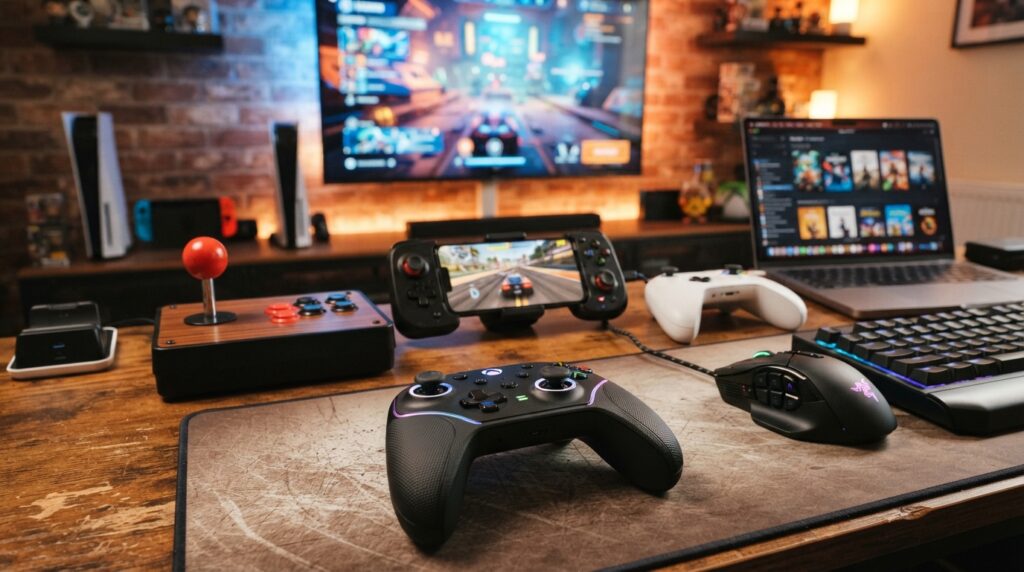
Weight, internal distribution, and feel during use
A comfortable controller should not be excessively heavy, as extra weight quickly leads to muscle fatigue.
The internal arrangement of components—such as vibration motors and batteries—should be balanced so that the device does not tilt or feel lopsided.
Tactile feel is equally important. High-quality materials ensure the device feels solid, yet light enough to be handled for long periods without strain.
Grip texture, finish, and button accessibility
The finish on the grips prevents the controller from slipping during intense gameplay moments.
Textured or rubberized surfaces provide superior grip, allowing you to stay focused on the game without needing to squeeze the controller too tightly.
Furthermore, button placement should be intuitive. If you have to overextend your fingers to reach a trigger or an action button, the design is likely not the best fit for you.
How to identify potential discomfort before buying
To find a comfortable controller, look at the curvature of the grips and the spacing between the main buttons. If possible, test the device in a physical store to ensure that your fingers can reach the controls in a natural, relaxed position.
Also, check the total weight of the product in the technical specifications. Small details in the build and finish make a significant difference in ensuring your experience remains pleasant and pain-free.
Precision of analog sticks, triggers, and directional controls
The precision of the analog sticks and triggers is what distinguishes a casual player from a competitive one. When you move your character or adjust your aim, the hardware must translate your intent with absolute fidelity.
Analog Stick Dead Zone and Sensitivity
The analog stick “dead zone” is a key technical concept for those seeking high performance. It refers to the central area of the stick that does not register movement, preventing a character from moving on their own due to calibration issues.
A high-quality controller offers a minimal dead zone, allowing for quick responses to even the lightest touch. When sensitivity is well-tuned, you gain much more fluid control—especially when aiming in shooter games.
Analog Triggers for Racing and Action Games
Unlike digital buttons, analog triggers function much like a car’s gas pedal. They detect the level of pressure applied, which is essential for controlling acceleration in racing simulators.
In action games, this technology allows you to vary the intensity of an attack or the speed of a maneuver. Therefore, having high-quality analog triggers ensures that every millimeter of pressure is accurately translated on-screen.
The D-Pad for Fighting and Platform Games
For fighting and platform games, the directional pad—or D-pad—is the most critical component. It must provide firm, precise clicks so that complex combo commands can be executed without errors.
A well-designed D-pad prevents accidental directional inputs during high-pressure moments. This component serves as the foundation for the fast, precise movements required in both classic and competitive titles.
Why Precision Can Outweigh a Multitude of Features
Many players are drawn to flashy RGB lighting or extra buttons, but the precision of the analog sticks is what truly defines the gaming experience. A simple, yet well-built controller offers a genuine competitive advantage.
Prioritizing the quality of internal components ensures that your gear lasts longer and performs better. Ultimately, technical reliability is far more valuable than any aesthetic embellishment.
Conclusion
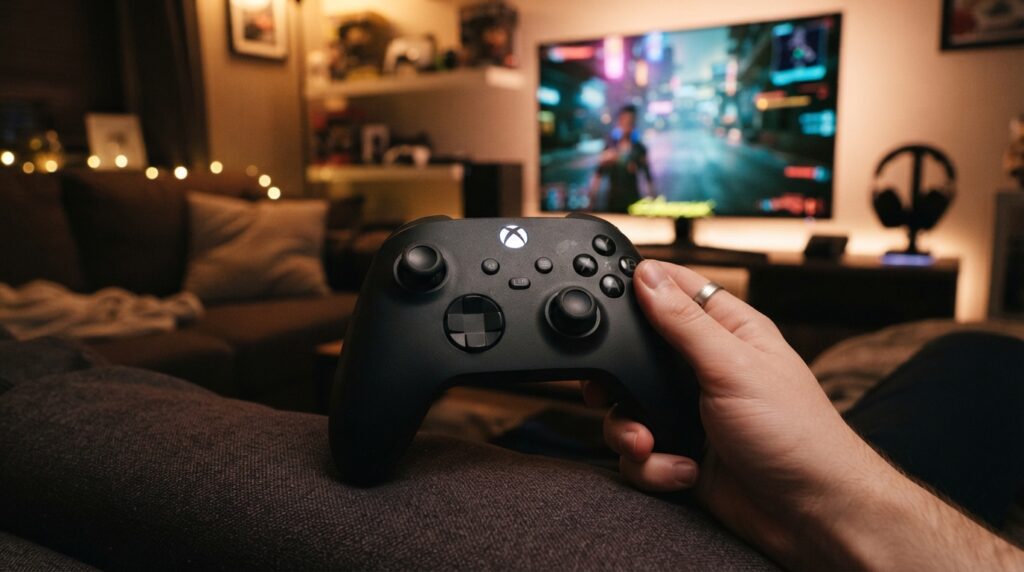
Finding the ideal piece of equipment requires attention to the details that transform your experience. Knowing how to choose a good gaming controller goes well beyond just looking at its design or brand; it involves balancing ergonomics, command precision, and compatibility with your lifestyle.
The best gaming controller is one that fits your hands perfectly and provides the responsiveness needed for every match. Before finalizing your purchase, evaluate battery life, build quality, and ease of connectivity—ensuring that your investment will bring you satisfaction for a long time to come.
Consider which features are essential for your favorite games. Whether it’s a model from Sony, Microsoft, or specialized brands like 8BitDo or Razer, making the right choice will elevate your performance.